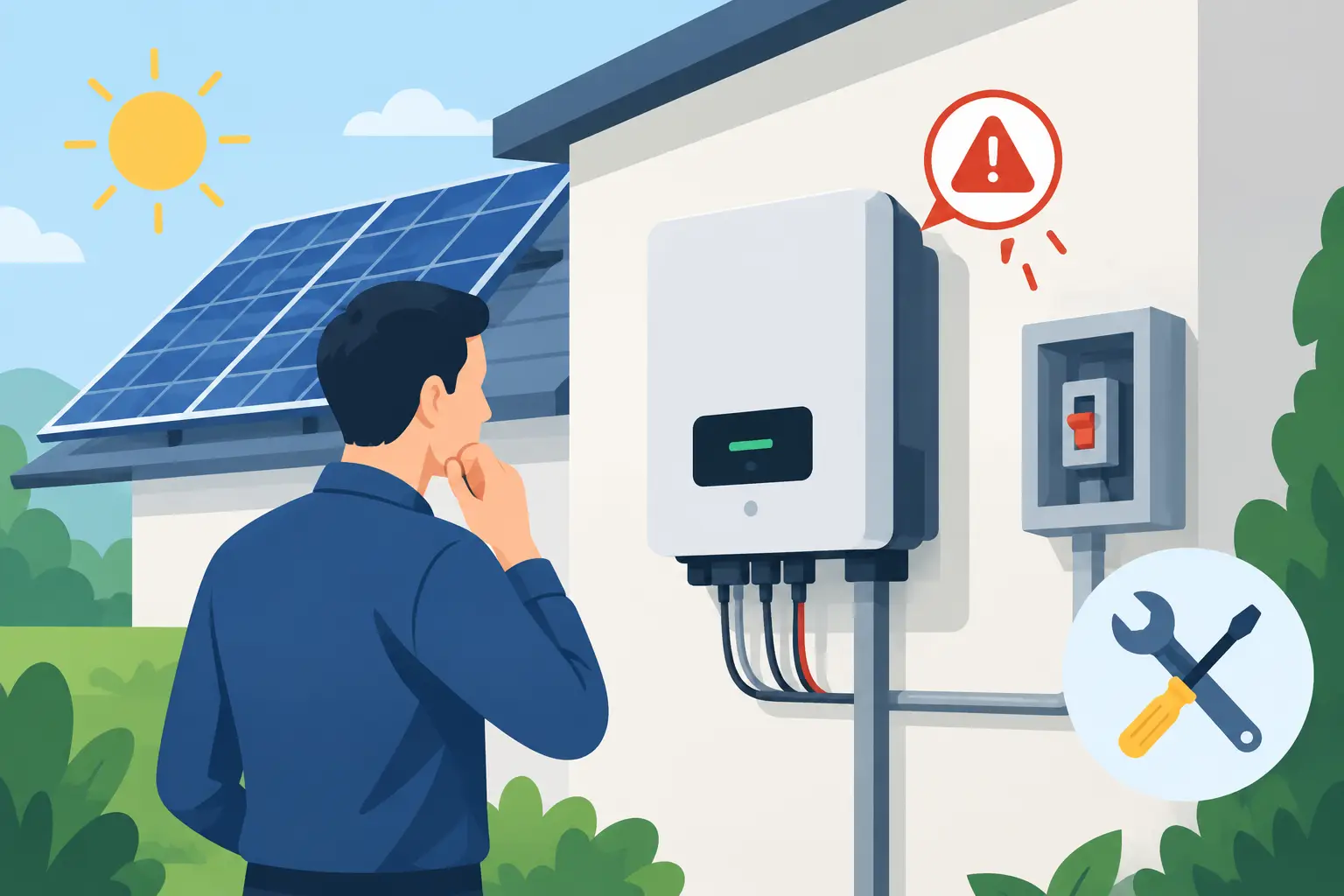
If your solar, battery, hot water heat pump, or EV charger is not working properly, this guide will help you work out what may be wrong and who to contact first. Start by checking the app or monitoring, noting the symptoms and gathering any error codes, screenshots or photos before you call anyone.
Most problems fall into two broad categories: a fault with the equipment itself, or a problem with how it was installed. Working out which is more likely can help you understand which warranty may apply and whether to start with the installer, manufacturer or retailer.
At a Glance
- Most problems are either with the equipment or the installation. Working out which one it is can help you know who to call and which warranty may apply.
- Check for safety problems first. Burning smells, sparking, damaged wiring, repeated breaker trips or water near electrical equipment should be treated seriously.
- Check the app or monitoring. Look for error codes, warning lights or a sudden change in performance.
- Keep evidence. Save screenshots, photos, serial numbers, invoices and warranty documents before you contact anyone.
- Start with the installer if you are unsure. If it is clearly a product fault, you may also need to contact the manufacturer.
- Get the system inspected if the cause is still unclear. Use an appropriately licensed professional for that type of equipment.
When to Call an Electrician
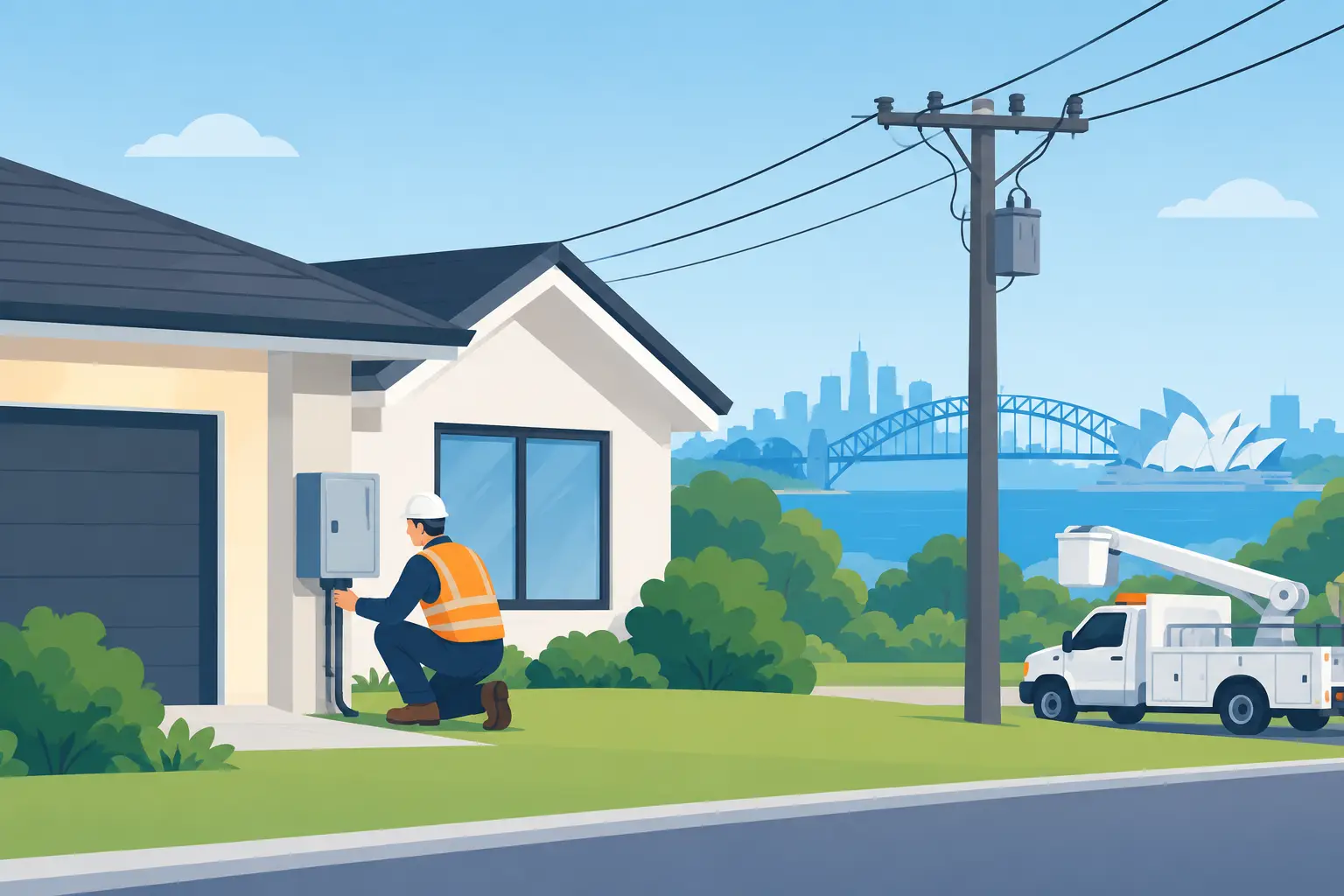
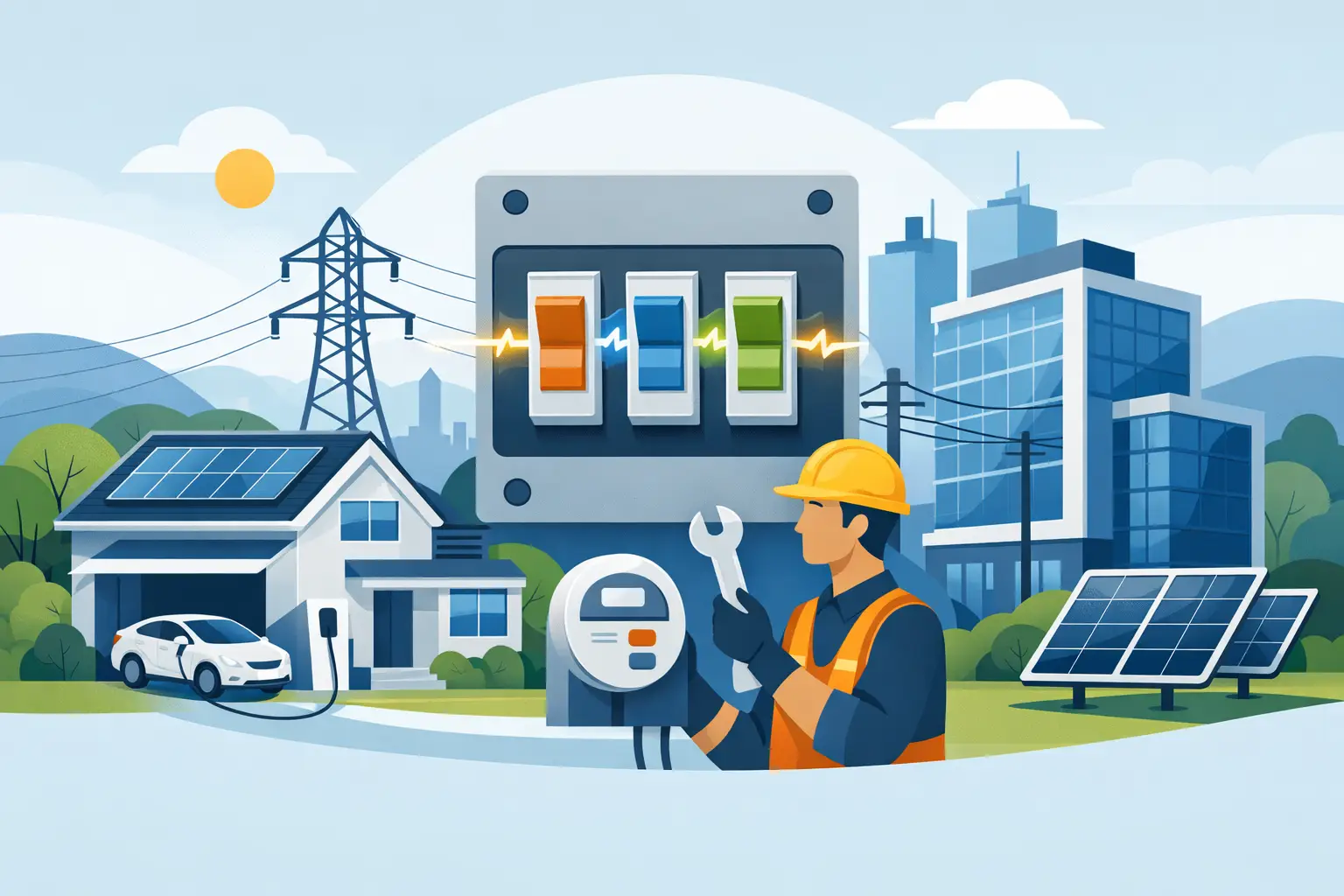
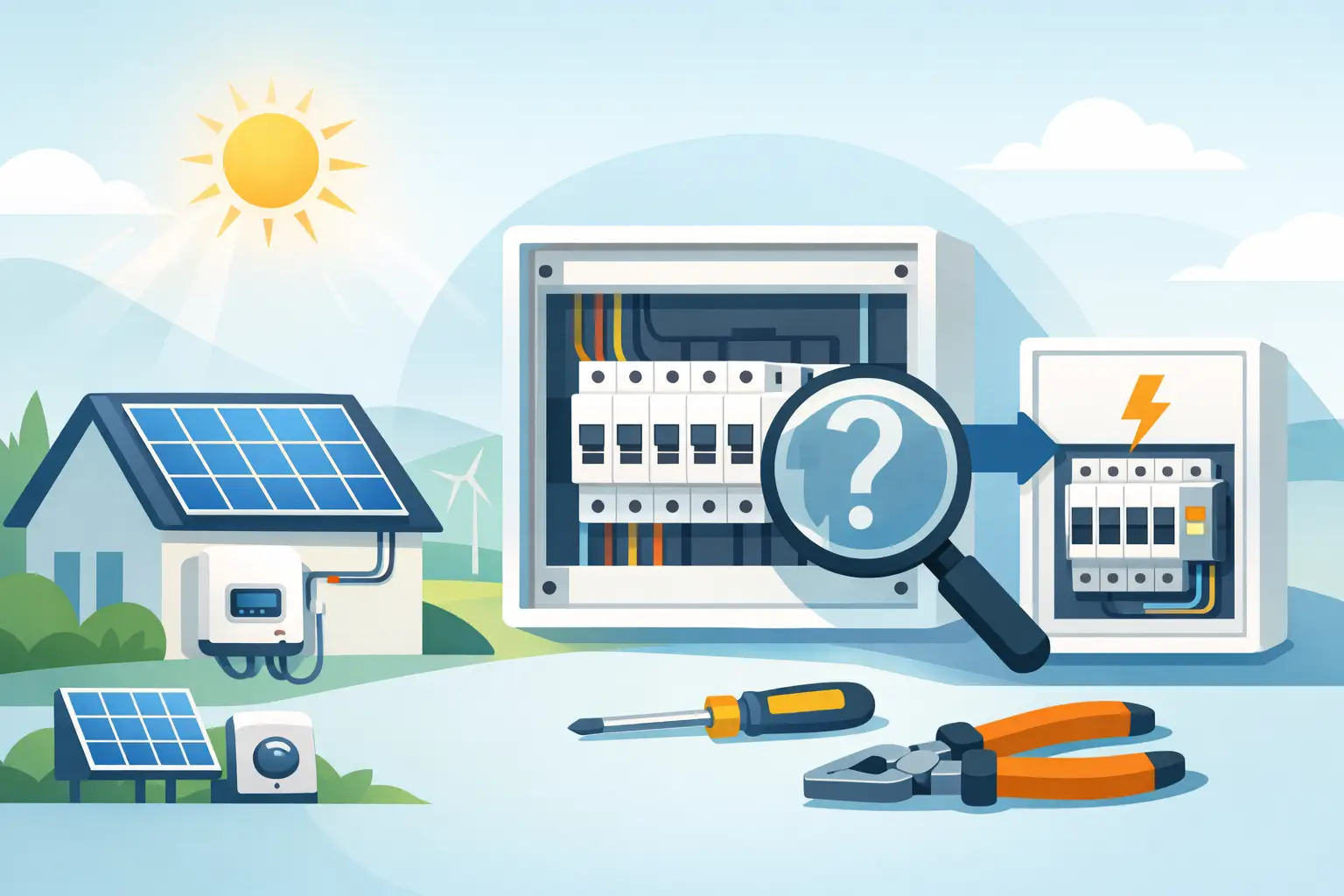
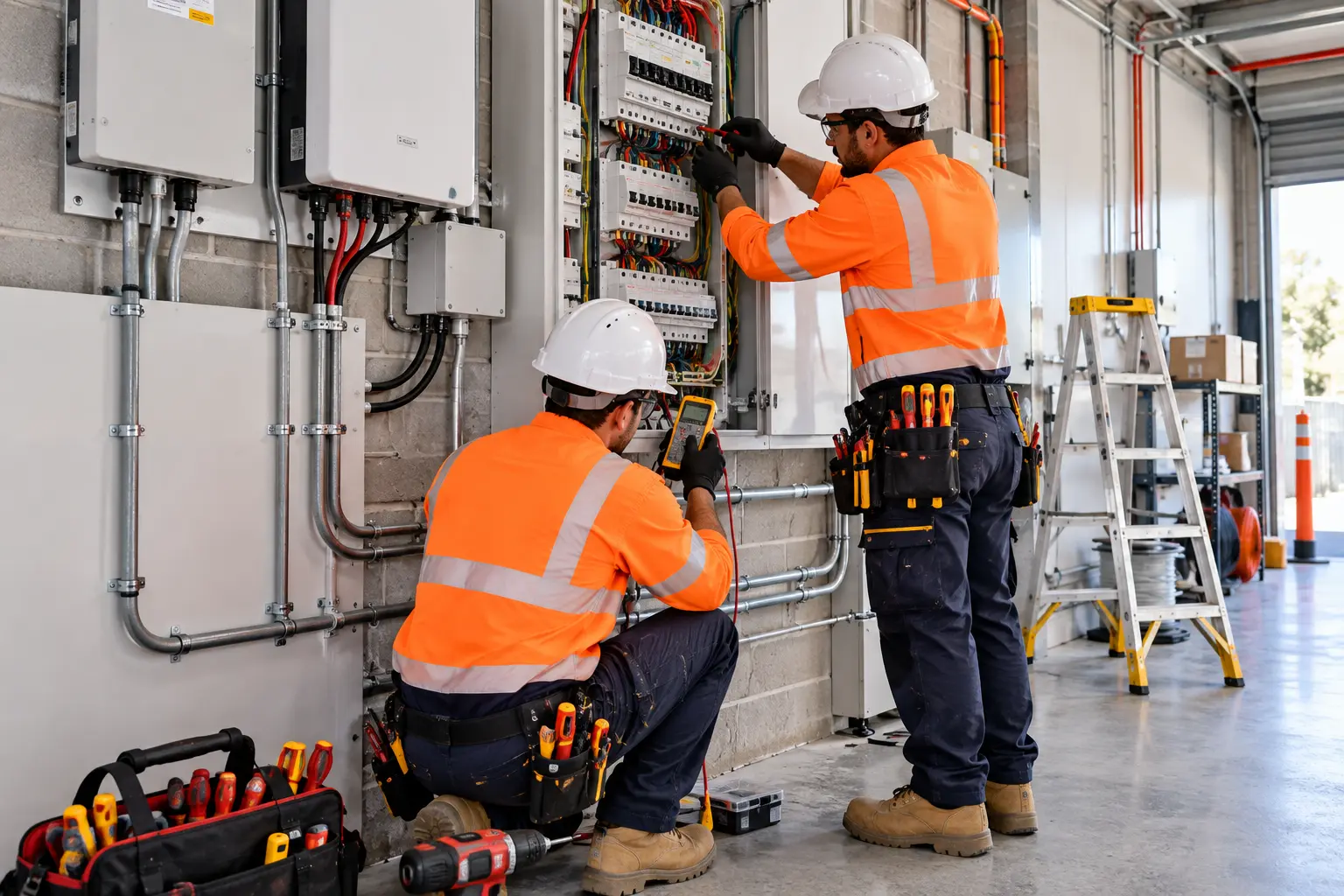
Treat obvious electrical damage as a safety issue. If you notice burning smells, scorching, sparking, damaged wiring, repeated breaker trips or water around electrical equipment, stop using the equipment if it is safe to do so and call a licensed electrician. Do not open or try to repair the equipment yourself.
Who to Call for Each Home Energy Product
The right first contact depends on what equipment you have and what has gone wrong. You do not always need an electrician.
Product Who to call first Solar Start with your solar installer for most faults. If it is clearly an equipment problem, you can also contact the manufacturer. Home battery Start with the installer, especially if you are not sure whether the problem is with the battery or how it was set up. For a clear battery fault, contact the manufacturer. EV charger Start with the installer for charging problems or setup issues. For a clear hardware fault, contact the manufacturer. Hot water heat pump Start with the installer or manufacturer. Depending on the fault, you may need another appropriately licensed professional who works on hot water heat pumps.
If you are not sure what type of fault you are dealing with, start with the installer. They can usually help work out whether the problem is with the equipment, the installation or something else.
How to Diagnose Common Home Energy Faults

Start with what you can see, hear or read in the app. The symptom can often help narrow down whether the problem is with the equipment itself, the installation, or something simpler such as a lost internet connection.
Before contacting anyone, take screenshots of the app or monitoring, note any error codes or warning lights, and take clear photos of anything visible. It also helps to have your invoice, serial numbers and warranty documents ready.
| Symptom | What it could mean | Product or workmanship? | Who to call first |
|---|---|---|---|
| Equipment has stopped working or the screen is completely blank | The equipment itself may have failed, although a power or connection issue may need to be ruled out first | Usually product fault | Start with the installer. If it is clearly an equipment fault, you can also contact the manufacturer |
| App shows an error code or fault warning | The equipment may have detected a hardware or operating problem | Usually product fault | Note the exact error code, then contact the installer or manufacturer |
| Battery is not charging or discharging properly | It could be a battery fault, a settings issue or a setup problem | Product or workmanship | Start with the installer, especially if the cause is unclear |
| Hot water heat pump is not heating properly | The unit itself may have failed, or it may have been installed or configured incorrectly | Product or workmanship | Start with the installer |
| Solar generation is much lower than expected | It could be shading, dirt, an equipment fault or an installation problem | Either | Contact the installer and include monitoring screenshots |
| Water is leaking around installed equipment or below solar panels | Sealing, mounting or installation work may be the problem | Workmanship | Contact the installer in writing |
| Breakers keep tripping, wiring looks damaged, or there is scorching or a burning smell | Possible electrical safety problem | Needs professional inspection | Stop using the system if safe and call a licensed electrician |
| App is blank or says the system is offline, but the equipment still appears to work | The equipment may simply have lost its internet connection | Often not a fault | Try reconnecting it through the manufacturer’s app before assuming something has failed |
The main thing is not to guess which warranty applies too early. Some problems can be caused by either the equipment or the installation, particularly when a system is simply underperforming. Monitoring history, photos, error messages and when the problem started can all help the installer or manufacturer work out what changed.
Two Home Energy Faults That Are Easy to Misdiagnose
The app is offline
A blank or offline app does not always mean the equipment has stopped working.
Solar inverters, batteries, heat pumps and EV chargers can lose their connection after changes to your Wi-Fi, modem, router or NBN setup. If the equipment still appears to be heating, charging or producing electricity, try reconnecting it through the manufacturer’s app before assuming there is a fault.
For solar, your electricity bill can also provide a clue. If it still shows electricity being exported to the grid, the solar system may be working even though the monitoring app is offline.
Performance has dropped slightly
A small decline in performance over time does not necessarily mean something is wrong.
Solar panels gradually produce less electricity as they age, and batteries and heat pumps can also lose some performance over the years. Compare the equipment with the same period in previous years rather than judging it from a single day or week.
If the drop is much larger than expected, save your monitoring screenshots and contact the installer so they can investigate the cause.
Which Warranty Covers Home Energy System Problems?

Problems with home energy equipment usually fall under one of two warranties: a product warranty or a workmanship warranty. Which one applies depends on whether the problem is with the equipment itself or how it was installed.
A product warranty covers faults with the equipment itself. This could include a failed inverter, battery module, hot water heat pump or EV charger. Warranty periods vary, so check the documents that came with your system.
Example: if a battery develops an internal fault after several years of normal use, it may be covered by the manufacturer’s product warranty.
Solar panels can also have a separate performance warranty. This covers how much electricity the panel should still produce as it ages, rather than every type of equipment fault.
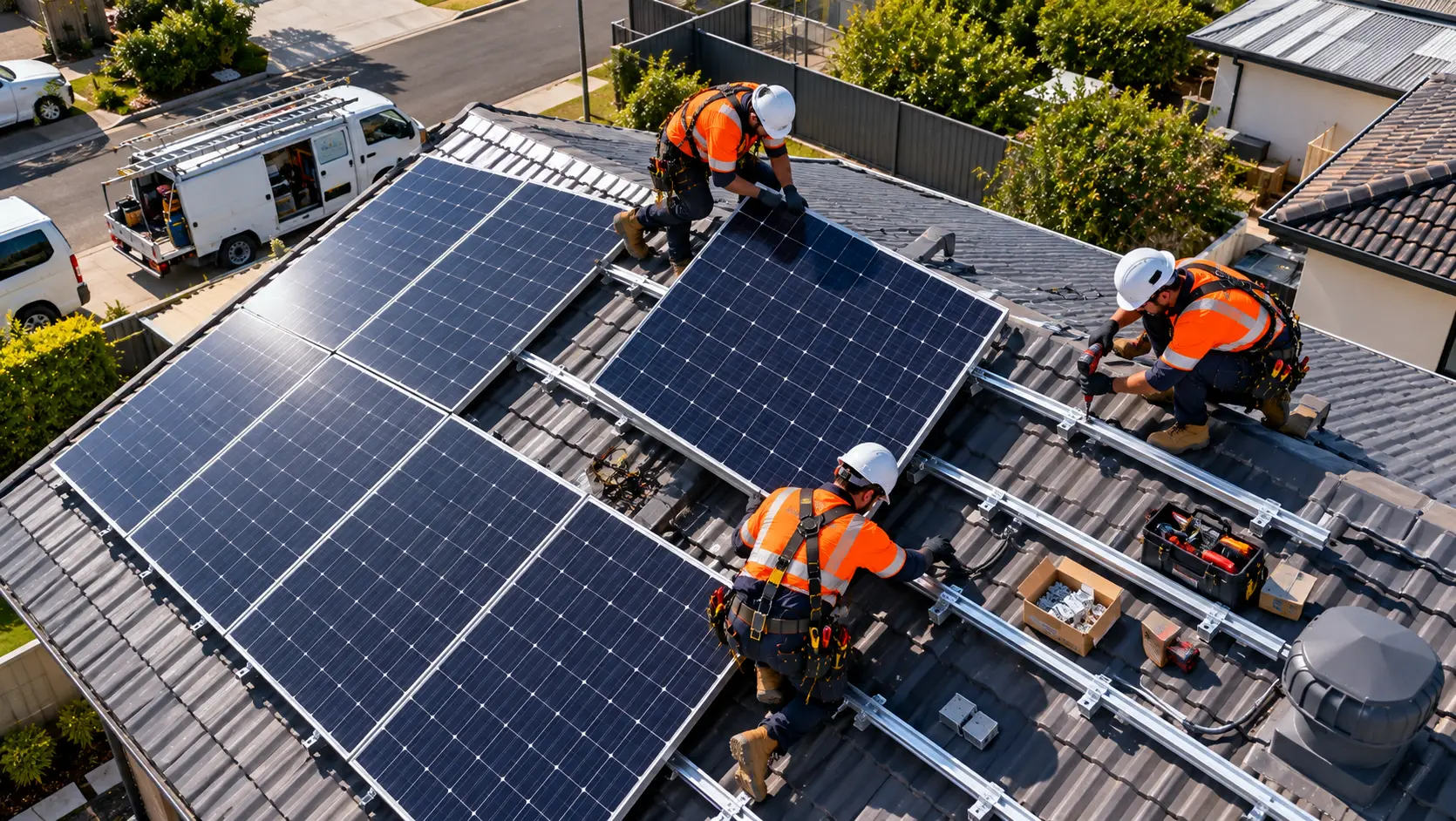
A workmanship warranty covers problems caused by the installation. This could include poorly sealed roof penetrations, damaged or undersized wiring, incorrectly mounted equipment, or a hot water heat pump or EV charger that was not installed or configured properly. The length of the warranty depends on your installer and contract.
Example: if water starts leaking through the roof where solar panels were installed, it is more likely to be an installation problem.
Some faults can fall into either category, especially when a system is simply underperforming. Monitoring history, photos, error messages and when the problem started can help show what has changed.
If the installer or manufacturer will not help, see our separate guide to your consumer rights and complaint options.
What to Gather Before Making a Warranty Claim

Collect the evidence before you contact the installer or manufacturer:
- Screenshots from the app or monitoring
- Any error codes or warning lights
- Photos of visible problems
- Your installation date and invoice
- Equipment serial numbers
- Warranty documents
Having this information ready can make it easier for the installer or manufacturer to identify the problem and work out whether it is likely to be a product fault or an installation issue.
When You Need an Inspection
Some problems can be identified from monitoring data, error codes or photos. If the cause is still unclear, the next step may be an on-site inspection.
The installer, or another appropriately licensed professional, can check whether the problem is with the equipment, wiring, installation or system setup. This is particularly useful when the system is underperforming but there is no obvious fault or error code.
Ask for the findings in writing where possible. A clear diagnosis can help establish which warranty applies and what needs to happen next.
Where to Go Next
Once you have a better idea of what is wrong, the next step depends on the type of problem.
If the issue is solar-specific, see our guide to solar installation problems for more detail on common faults, likely causes and which warranty may apply.
If the installer will not respond, the problem is not being resolved, or you need to understand your legal options, see our guide to consumer rights and complaint pathways. That covers Australian Consumer Law, who is responsible and how to escalate the issue.
If you are replacing an installer or planning another home energy upgrade, our guide to how to choose a good installer covers the checks worth doing before you sign.